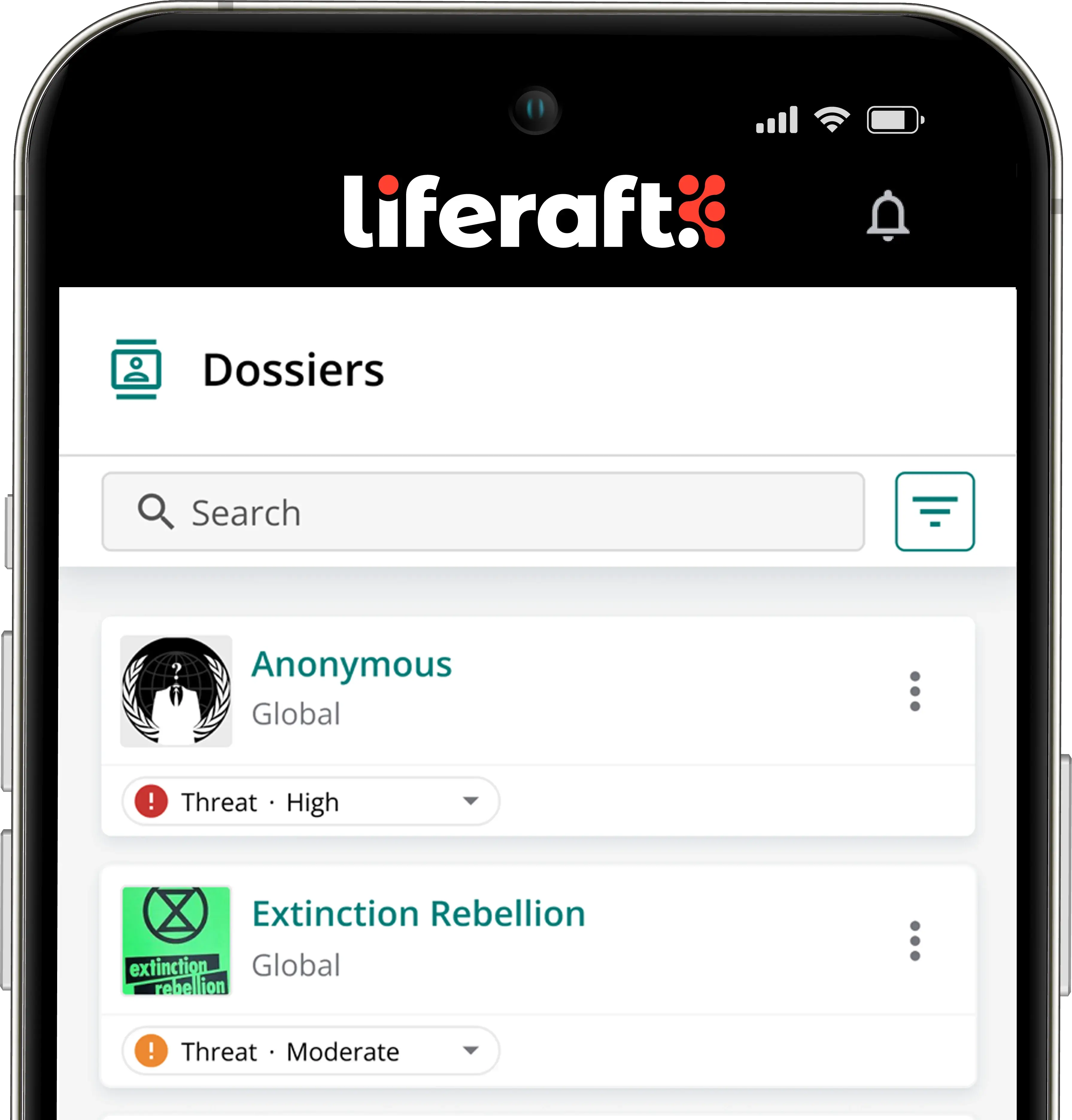

- Overview
- Case Manager
Case Manager
Organize every investigation.
Collect intelligence, organize evidence, collaborate with your team, and produce professional case files from a single investigation workspace.
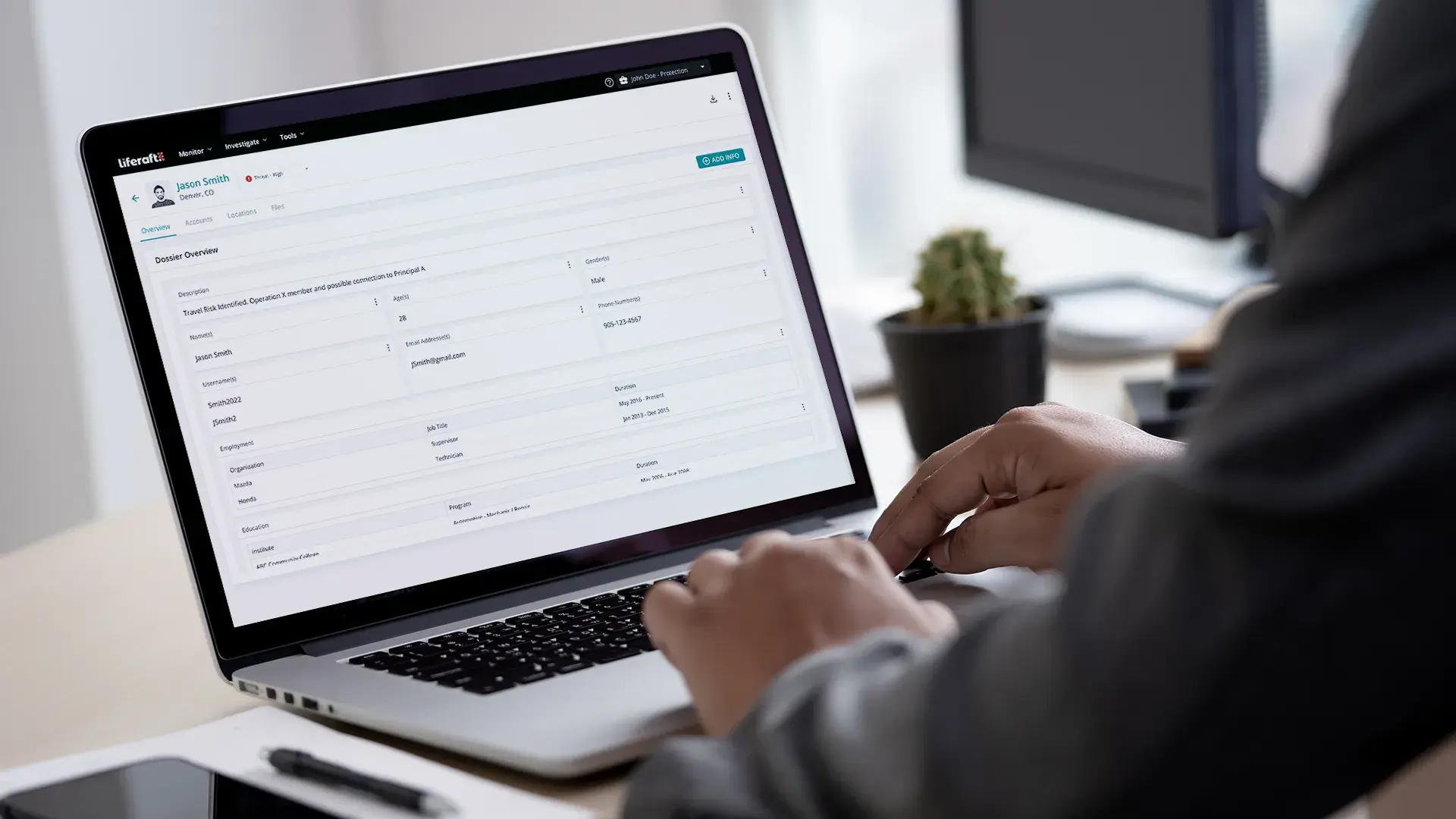
Case Manager gives investigators and analysts a centralized workspace to collect evidence, organize findings, collaborate with colleagues, and document every step of an investigation. When it's time to brief leadership or support authorities, complete case files and investigation reports are ready to share.
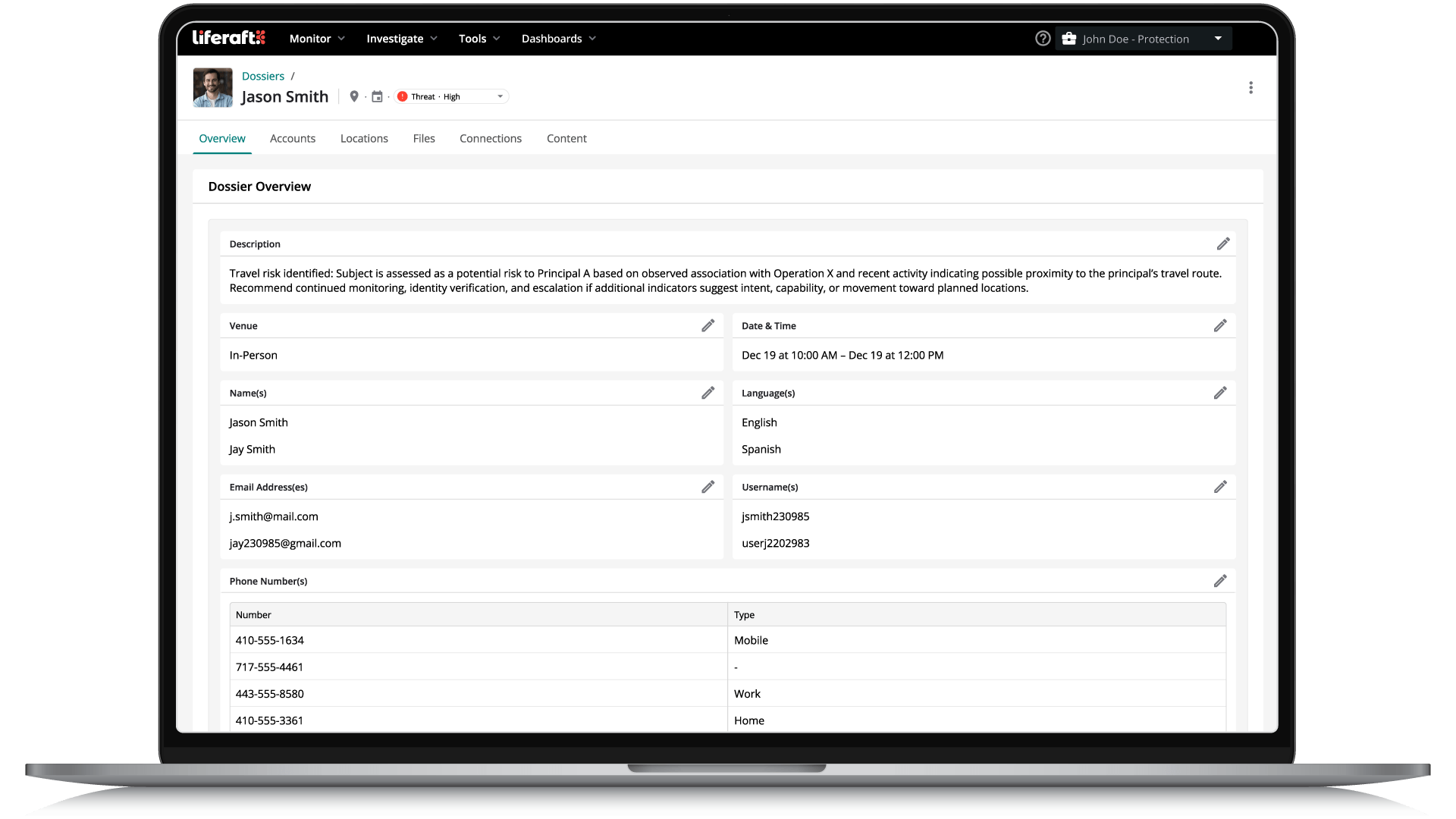
The Challenge
Security investigations often span multiple systems, spreadsheets, emails, and documents, making it difficult to keep evidence organized and maintain a complete investigative record.
-
Investigation details become scattered across notes, screenshots, emails, and multiple systems, making it difficult to maintain a complete record or collaborate effectively.
The risk of doing nothing.
Scattered investigations increase the risk of overlooked evidence, duplicated effort, and incomplete records, making it harder to collaborate and communicate findings.
How It Works
Case Manager brings intelligence, evidence, timelines, and analyst collaboration into a single investigation workspace. Teams can organize findings, manage investigations, collaborate with colleagues, and produce complete case files from initial detection through resolution.
Create
Start a new investigation from an alert, person, organization, or event.
Collect
Bring intelligence, evidence, notes, and supporting context into one case workspace.
Collaborate
Work with team members throughout the investigation to review findings and coordinate next steps.
Document
Maintain a complete record for reporting and future referenc
Key Capabilities
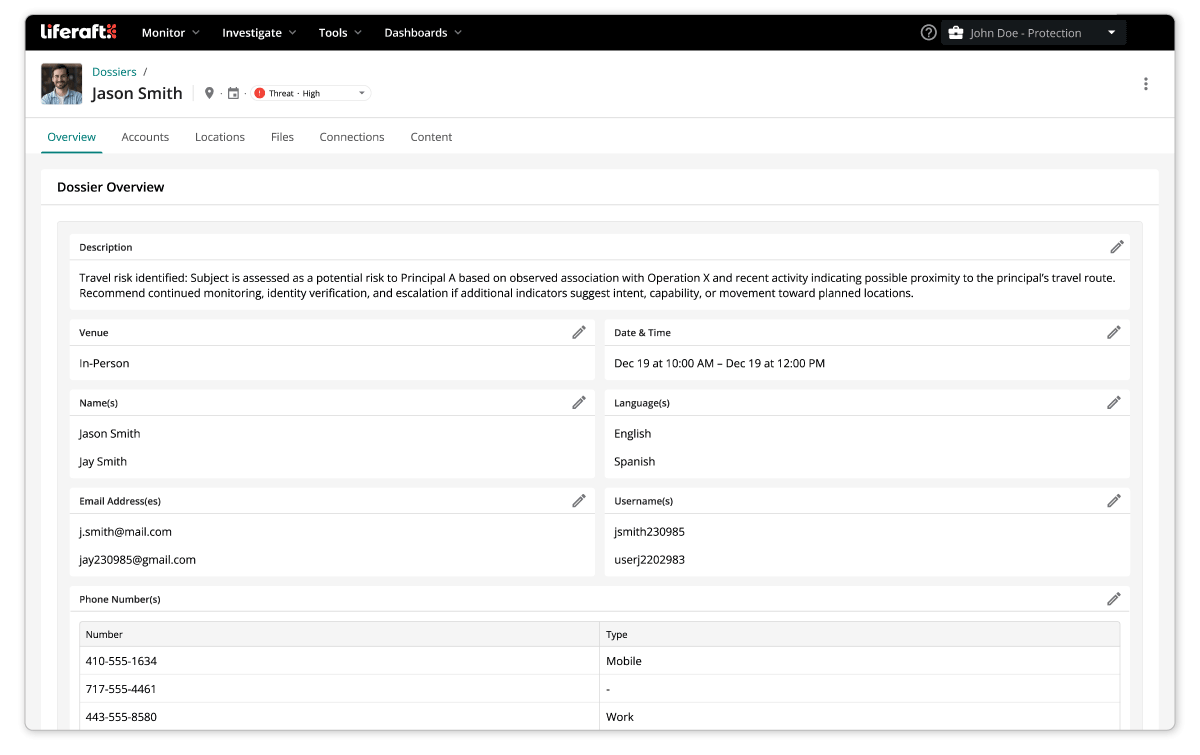
Build complete investigation case files
Collect activity, intelligence, screenshots, notes, and supporting evidence within a single case.
Organize and manage investigations
Track investigative activity, document findings, and maintain a complete timeline from detection through resolution.
Collaborate across security teams
Share cases, add notes, and keep everyone working from the same investigative record.
Outcomes & Benefits
-
Reduce time spent organizing investigation data.
-
Keep evidence, notes, and intelligence together in one place.
-
Improve collaboration across security teams.
-
Create consistent, well-documented investigations.
Liferaft captures posts and images even after they're deleted. That allowed us to show our behavioral assessment team that the individual had repeatedly posted and removed the same content. That became an important part of the investigation.
MSP Investgator | Financial Services
Find the Right Threat Intelligence Fit
Use our Threat Intel Tool Matrix to assess your organization’s risk profile, align on key platform requirements, and make more confident decisions when evaluating threat intelligence solutions.
Frequently Asked Questions
How does Liferaft support end-to-end investigations?
Liferaft centralizes the entire investigation workflow from detection and enrichment to reporting and collaboration. You can gather intelligence from surface, deep, and dark web sources, enrich it with identity resolution tools, and manage your work within Case Manager (Dossiers). This creates a single workspace for organizing findings, collaborating with teammates, and documenting outcomes.
Can I collaborate with my team on cases?
Yes. Case Manager (Dossiers) enables teams to work from a shared workspace, adding intelligence, notes, supporting documents, and updates as investigations or assessments progress. Shared case files help maintain a single source of truth while improving collaboration across security teams.
What information can I store in a case?
A case holds source content and posts, screenshots and uploaded files, identity and public records findings, analyst notes, tags, and risk scoring. It becomes the single record of an incident, from the first signal through to the decision taken, which is what makes it usable in a briefing or a legal review.
Can I control who has access to a specific case?
Yes. Team and case permissions define who can view and work in each case, so an insider matter stays with the people cleared for it while routine cases stay open to the wider team. Access changes are recorded in the audit log.
Does Case Manager support an audit trail for compliance or legal purposes?
Yes. Audit logs record user actions and platform access, and each case keeps a dated record of what was collected, by whom, and what was concluded. That documentation is what teams rely on during internal reviews, regulatory requests, and legal proceedings.
Can cases feed directly into reports and dashboards?
Yes. Case activity feeds reporting and dashboards, so case volume, type, and time to resolution can be shown alongside threat trends. AI-enabled reporting drafts the summary and the analyst edits it, which is how a month of casework becomes a briefing without a week of writing.
Book a Meeting with Us
Learn how our unified platform for intelligence-driven threat detection, investigation, and collaboration can solve your needs!